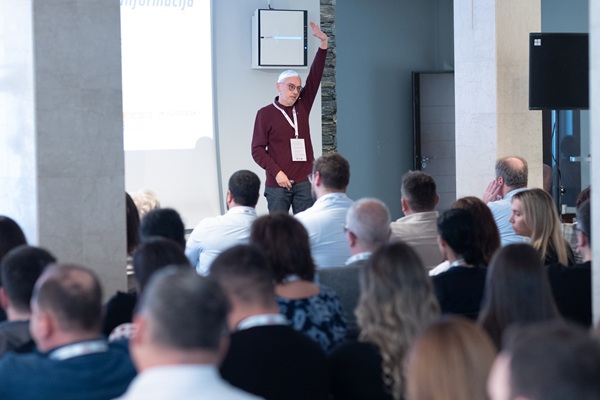
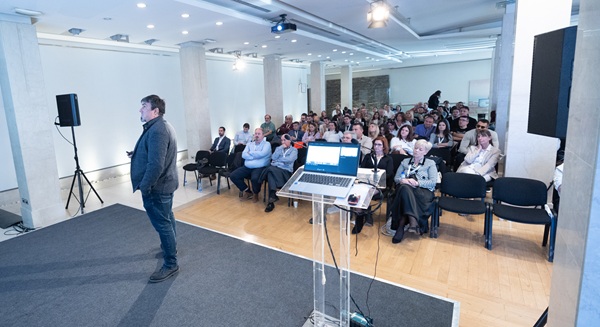
TeamCAD as a lecturer and sponsor participates in the jubilee tenth international student conference CoNStruction25, which is held in Novi Sad from December 11 to 14. ConstrutioNS is an annual conference organized by students of the Faculty of Technical Sciences in Novi Sad, bringing together experts, students and enthusiasts from the field of construction and related technical disciplines.
The event will bring together more than 200 students from the region, and this year the program includes an employment fair that will be held on December 12 in the Science and Technology Park Novi Sad.
The grand opening will be held on Friday, December 12, 2025. at 10:00 a.m. in the Science and Technology Park Novi Sad, and the entire program will last until 1:00 p.m.
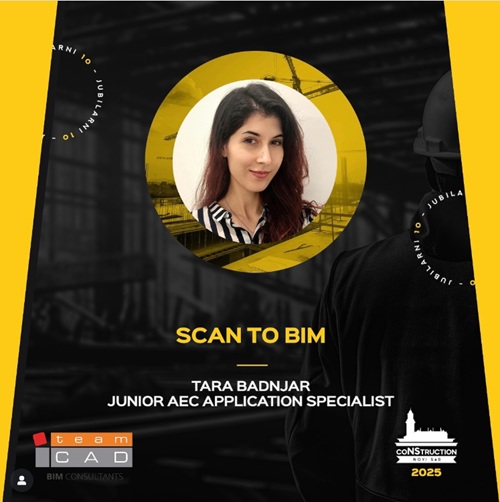
TeamCAD will be presented to the students by our colleague Tara Badnjar, Junior AEC Application Specialist, who will speak on the topic: Scan to BIM.
Tara will deal with the complete Scan to BIM process - from the initial steps of laser scanning to the preparation of data for work in a BIM environment. In the introductory part, I will present the basic principles and advantages of this method, and then explain in more detail the capabilities of the ReCap Pro program for working with point clouds, generating and optimizing mesh geometry, as well as exporting to formats compatible with the Autodesk Revit solution.
It will also show how the point cloud or mesh is prepared for effective modeling in Revit, and finally it will look at the integration with the Autodesk Construction Cloud platform and the benefits it brings in terms of collaboration and project management.
If you have questions related to BIM or one of the Autodesk solutions, you can contact us by phone 011 301 50 43 or mail This email address is being protected from spambots. You need JavaScript enabled to view it.
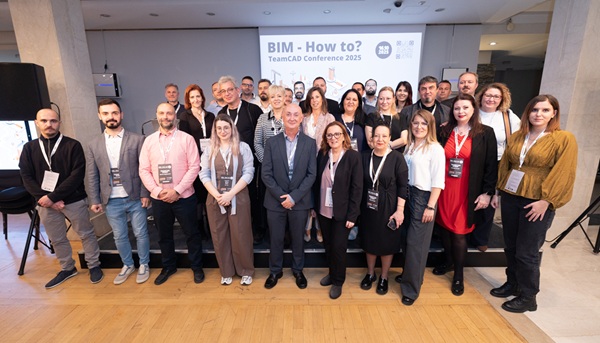
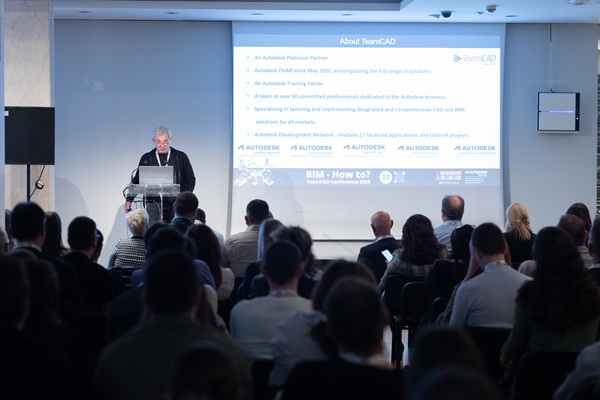
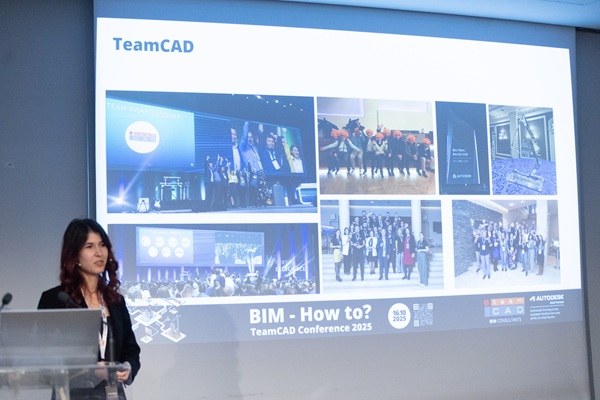
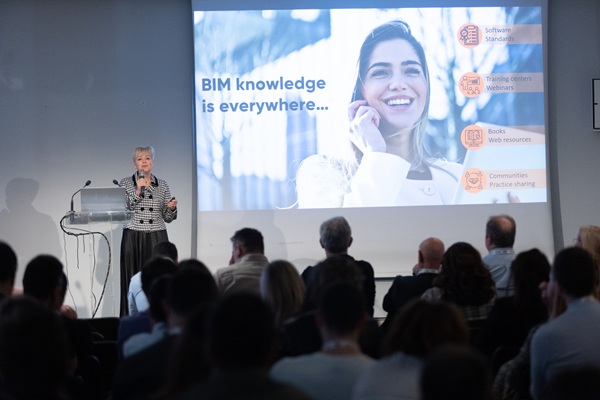
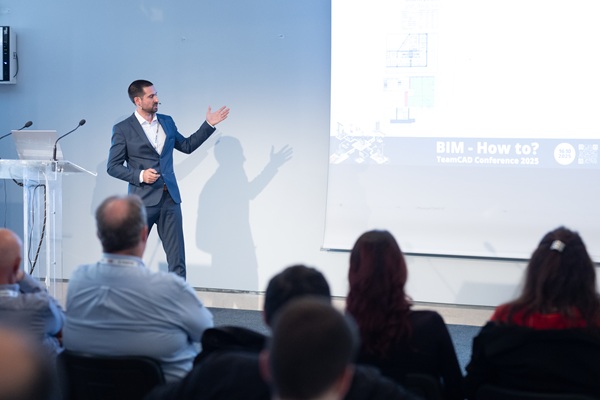
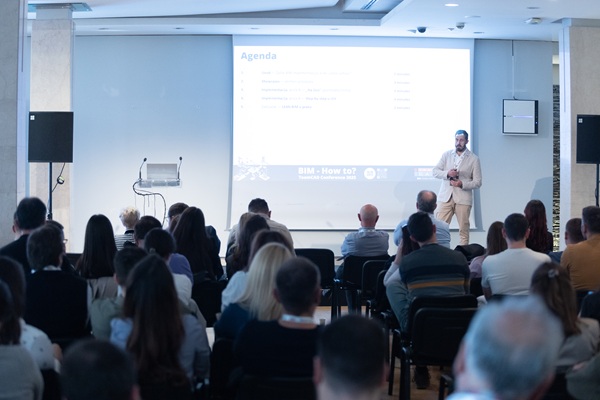
The BIM-How To? 2025 conference, organized by TeamCAD, was held on October 16th in the beautiful setting of Madlenianum Theatre in Zemun, gathering numerous professionals from the fields of architecture, construction, mechanical engineering, and information technology.
This year’s event aimed to showcase practical examples of BIM technologies and digital tools, while also opening a dialogue on challenges, standards, and skills shaping the future of the construction industry.
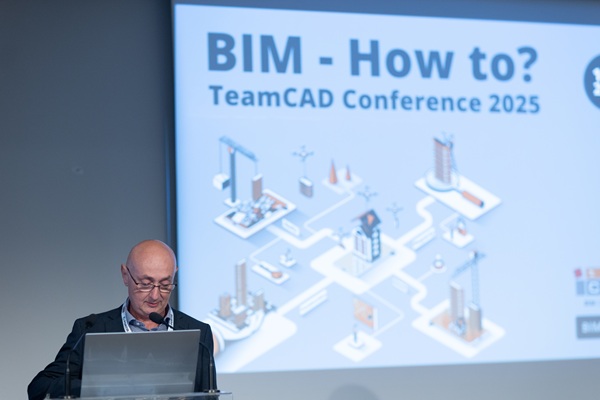
The conference began with an opening speech by Slobodan Lazić, Director of TeamCAD, who welcomed all attendees and delivered an inspiring introduction.
Session 1: From Practice to Tools
The first presentation, “How (not) to BIM? Learning through mistakes”, was delivered by Mina Esov, BIM Manager at Servisa, who demonstrated how experience — and even mistakes — can lead to a deeper understanding and improvement of BIM processes.
Next, Dmitry Brickman, Director of Development at TeamCAD Israel, presented VEGA AutoCAD add-on, a tool designed to enhance AutoCAD workflows through automation and intelligent features.
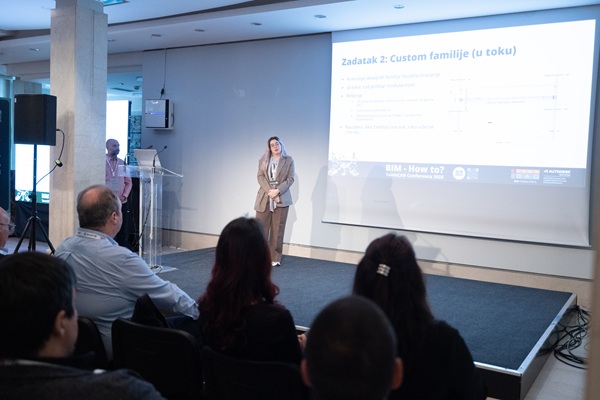
Tara Badnjar, Junior AEC Application Specialist at TeamCAD, followed with a talk on the Scan to BIM process, highlighting how laser scanning can improve the precision of existing condition modeling.
The session concluded with Marina Korol, independent consultant, who discussed openBIM Practitioner Certification and emphasized the importance of internationally recognized competencies and standardized approaches in the BIM environment.
After an inspiring first block, attendees took a coffee break in the foyer, using the opportunity to network and exchange ideas.
Session 2: From Strategy to Standards
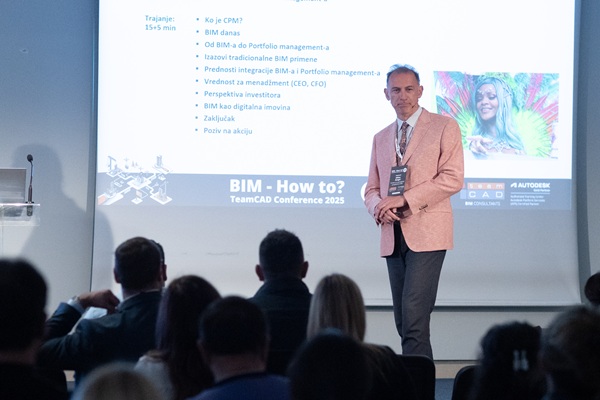
The second session opened with Milan Šmigić, Founder and Director of the Center for Project Management (CPM), who presented From BIM to Portfolio Management - exploring how digital project management supports strategic decision-making.
Then, Dejan Trkulja, Founder and Director of Trkulja Consulting, spoke about The Role of ISO Standards in Information Security for Construction Projects.
Following him, Vuk Vukanić presentedISO 19650 and Autodesk Construction Cloud, showing practical ways to apply international standards in digital project workflows.
During the lunch break, participants had the chance to connect with speakers and partners, and to share experiences regarding BIM implementation in their organizations.
Session 3: Digital Platforms and Tools
After the break, Hasan Bora Yavuz from Autodesk presented Autodesk Industry Clouds, highlighting the role of cloud solutions in connecting teams and data across the project lifecycle.
Next, Zoran Šobić, Founder and Director of ICH, shared BIM Onboarding Playbook: From Example to Implementation Methodology, outlining practical steps for successfully adopting BIM methodologies within organizations.
The session wrapped up with Vladimir Guteša, Director of Development at TeamCAD, who demonstrated TeamCAD Revit Tools- a set of tools developed to accelerate and simplify everyday work in Autodesk Revit.
A short refreshment break before the final session gave attendees another opportunity for informal networking.
Panel Discussion: What Makes a Good BIM Model?
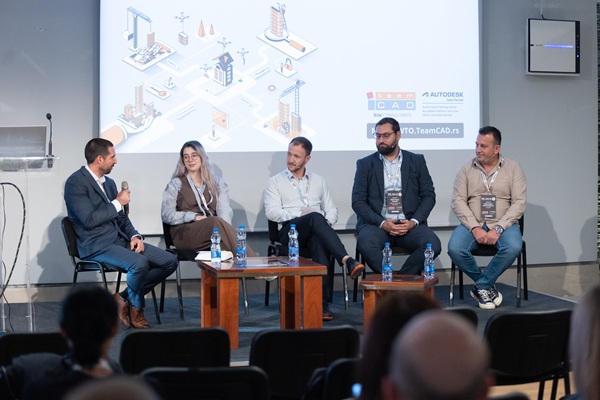
One of the most anticipated moments of the day was the panel discussion “What Makes a Good BIM Model?” The session was moderated by Vuk Vukanić, who was joined by Vladimir Mladenović (World of BIM), Mina Esov (Servisa), Aleksandar Popadić (Hybrid Technical Solutions), and Aleksandar Stanisavljević (BeeBIM).
Panelists shared their insights on the quality and value of BIM models in real-world projects. The discussion raised important questions and confirmed that collaboration remains the key to successful BIM implementation.
Prize Draw and Closing Remarks
The conference concluded with the traditional prize draw, where participants had the opportunity to win valuable gifts. The closing message emphasized that BIM-How To? has become more than a conference, it is a true meeting place for knowledge, collaboration, and growth within the regional BIM community.
TeamCAD extends heartfelt thanks to all speakers, panelists, participants, and partners for their trust, enthusiasm, and continued support, which make this event truly special every year.
Special thanks go to our sponsors: Autodesk, TD SYNNEX, CPM, and TeamCAD Israel for their partnership and contribution to making this conference possible.
For any questions regarding BIM tehnology, Vega software or TeamCAD Revit tool, contact us at This email address is being protected from spambots. You need JavaScript enabled to view it.
At the Madlenianum Theatre in Zemun on October 16, 2025, TeamCAD is organizing the “BIM-How to?” conference.
TeamCAD BIM-How to? will bring together industry professionals who will share their experiences in applying BIM technology – from the tools and processes they use, through ISO 19650 standards, to real-world challenges and solutions.
Lectures by renowned experts from Serbia and the region:
Mina Esov - Servisa
Dimitry Brickman - VEGA
Tara Badnjar - TeamCAD
Marina Korol - Independent consultant
Milan Šmigić - CPM
Dejan Trkulja - Trkulja Consulting
Vuk Vukanić - TeamCAD
Zoran Šobić - ICH
Vladimir Guteša - TeamCAD
Bora Yavuz - Autodesk
The second part of the program will include a panel discussion on the topic “What is a good BIM model?”, moderated by Vuk Vukanić, Technical Director of TeamCAD. Joining him in this interesting discussion will be:
Vladimir Mladenović (World of BIM)
Aleksandar Popadić (HYBRID TECHNICAL SOLUTIONS DOO)
Aleksandar Stanisavljević (BeeBIM)
Mina Esov (Servisa)
As every year, participants will have the chance to win valuable prizes, so we kindly invite you to register and stay until the end of the program!
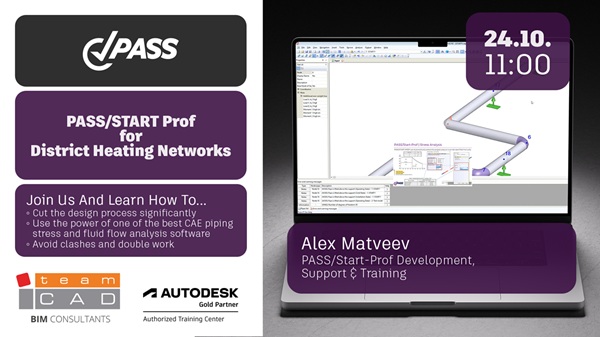
This practical webinar is designed for engineers, designers, and project managers who want to move beyond basic calculations and ensure their district heating networks are safe, reliable, and optimized. Using the powerful PASS/START-PROF software, we will dive deep into the critical aspects of modern pipeline stress analysis that are essential for compliant and cost-effective design.
Key Topics We Will Explore:
Foundational Modeling: An accurate Pipe-Soil Interaction Model to represent real-world boundary conditions and soil restraints.
Advanced Material Behavior: Correctly accounting for the flexibility of Expansion Cushions (Pads) and the Polyurethane (PUR) Insulation layer in your stress calculations.
Compliance & Verification: Applying the specific Strength Criteria as defined in EN 13941 and performing the mandatory Polyurethane Foam Insulation Stress Check to prevent damage to the casing.
External Load Analysis: Evaluating and mitigating stresses imposed on buried pipelines from Surface Vehicle Loads.
Pre-Stressing Techniques: A detailed comparison and analysis of two key installation methods:
Pre-Heating Method: Modeling and optimizing systems that use controlled heating to create beneficial pre-stress.
Single Use Compensators (E-Comp): Analyzing systems that utilize pre-fabricated solutions for efficient installation and stress management.
Live Connection Modeling: Learn the best practices for safely modeling Hot Taps (live connections into an active system) without compromising network integrity.
Who Should Attend?
Pipeline Stress Engineers
District Heating Network Designers
Project Engineers and Managers
CAD/CAE Engineers in the energy sector
Anyone involved in the design, validation, or commissioning of pre-insulated pipeline systems.
Key Takeaways:
A clear understanding of the EN 13941 requirements for stress analysis.
Practical skills for modeling complex real-world scenarios in PASS/START-PROF.
Knowledge to choose and optimize between pre-heating and compensator-based pre-stressing.
Ability to ensure your designs are safe from pipe failure and insulation damage.
Webinar language: English
Ensure your district heating designs are not just functional, but resilient, efficient, and fully compliant.
Say goodbye to time-consuming locomotion work and hello to more creative freedom with MotionMaker, now available in Maya. It’s a new Autodesk AI powered tool that lets you guide your character’s motion with just a few keyframes or a simple motion path and iterate until it feels just right.
We spoke with Evan Atherton, senior principal research scientist at Autodesk and one of MotionMaker’s creators, to explore the tool’s origins and capabilities, time savings for animators, and how Autodesk is thinking about AI in animation.
Q: Today, we introduced MotionMaker in Maya. Give us the elevator pitch. What is MotionMaker?
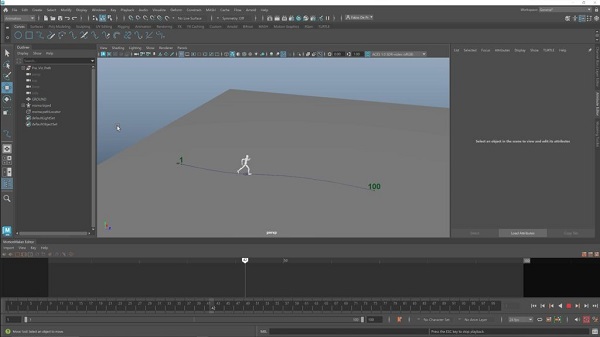
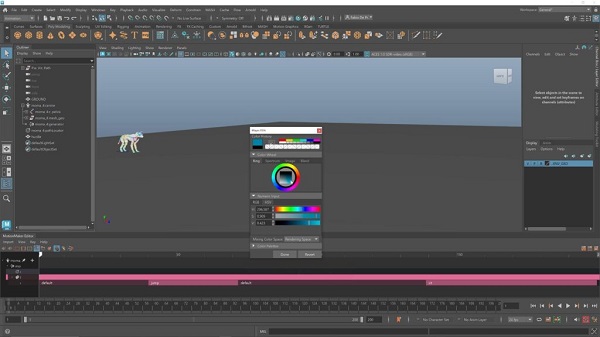
Evan: MotionMaker is a new animation system that lets artists direct characters more like they would in a mocap studio, but virtually, inside Maya. You can give high-level instructions, like telling a character to walk, jump, or sit, and guide them through the scene by setting key targets or paths. It’s part of the animation editor toolset in Maya, with a dedicated MotionMaker Editor. That’s where you manage characters, drive them with MotionMaker, and access all the related features. The goal is to make character animation feel more intuitive like giving stage directions to a digital actor.
It gives animators time back, not to crank out more shots, but to explore, experiment, and really craft the perfect performance.
Q: Take us under the hood. What AI models are powering the tool?
Evan: At the core is a machine learning model we describe as an autoregressive motion generator. It’s built from multiple neural networks. The magic is really in how it fits into the larger workflow. We take motion data from Maya, pass it through the model, and it predicts the next pose, frame by frame, to create smooth, natural movement. A lot of the robustness comes not just from the model itself, but from how we handle that motion data going in and how we translate the results back onto the character in Maya.
Q: What kind of training data was used?
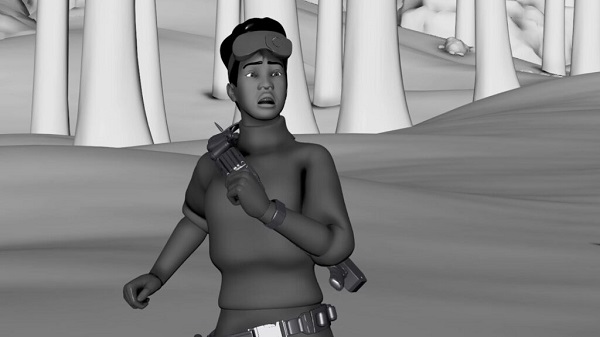
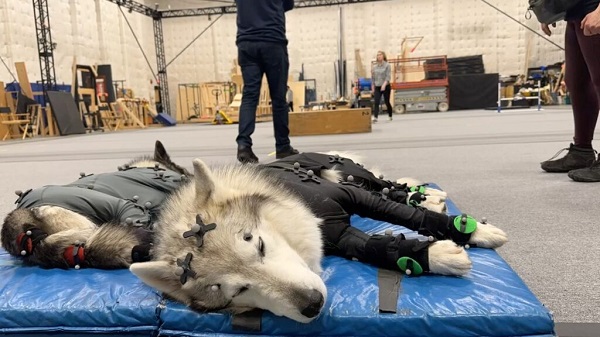
Evan: We used motion capture data that we specifically collected for this tool. There are three core datasets: one from two dogs, combined into a single “wolf-style” model, and two from human performers, representing a basic male and a basic female motion style. The idea is to build each model around a specific actor’s performance, almost like capturing their unique motion personality. MotionMaker includes those three base styles, but that’s just the beginning. The system is designed to support additional styles as we go.
Q: Who is MotionMaker designed for?
Evan: MotionMaker is designed for anyone in the animation pipeline, whether you’re working on layout, pre-vis, tech-vis, or even hero animation. My hope is that no matter where you are in the process, you can find a way to integrate it into your workflow.
Q: I hear this started as an Autodesk Research project. What problem were you trying to solve?
Evan: At the time, there was a lot of exciting research, especially at SIGGRAPH, around motion control for character animation. I’d been following it closely and wanted to prove that this work could already be useful in real animation workflows. The goal was to take that foundational science and bring it into Maya in a way that fit naturally with the tools animators already use. I wanted to show how it could help artists move faster, especially with things like long locomotion sequences.
Q: Have you had the chance to talk with other animators about it? What are they saying?
Evan: Yeah, we’ve talked to quite a few animators. One consistent piece of feedback is that they can see exactly where MotionMaker fits into their pipeline. For certain types of shots, it gets them 80% of the way there and then they can layer in their own touches to hit the final performance they want. That’s been really encouraging.
The biggest question we get is, “Can I use my own data?” Animators know what they want, and they want tools that give them that control. So, we’ve spent a lot of time listening, not just to feature requests, but to the questions they ask. For example, a common concern was foot sliding. That led us to build a foot slide reduction tool. In early prototypes, we had only one path mode, which was “stay close to the path but look natural.”
But animators wanted more precision, even if it meant sacrificing a bit of natural motion. So, we added multiple path modes to give them that control. It’s been a collaborative process.
Q: What kind of time savings are we talking about?
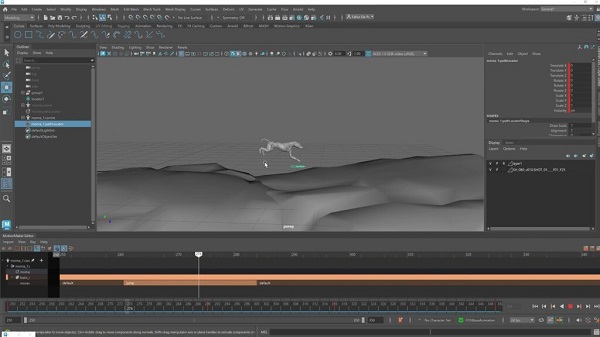
Evan: One example I always come back to is a 10-second shot of a dog running, turning, and jumping. I asked our PM, who was an animation supervisor for years, how long that would’ve taken traditionally. His answer? “We probably wouldn’t have even bid on it. But if we did, maybe two weeks.” With MotionMaker, laying out that shot took about a minute.
But to me, it’s not just about time savings, it’s about freedom to iterate. You can quickly try different jump timings, tweak a turn, or adjust the pacing of a scene. You could do 10 versions in an afternoon and see what feels right. It gives animators time back, not to crank out more shots, but to explore, experiment, and really craft the perfect performance. And the transitions, between gaits, turns, jumps, those come naturally from the model, no stitching mocap clips together. That’s a huge win.
What we hope is that this tool can handle some of the stuff animators either don’t want to do or find time-consuming, so they can focus on what excites them creatively.
Q: How customizable is the output?
Evan: There are two layers to customization. First, the generation itself is pretty art directable. You can tweak the path mode, adjust the character’s facing direction, set when actions like jumps happen. All to guide the motion the way you want. Once the motion is generated, it’s baked to keys on the joints. From there, it behaves like mocap data. You can add animation layers, bake to a control rig, and use all your usual Maya tools to refine it. So, it’s fully integrated with standard animation workflows.
Q: So MotionMaker isn’t just one-button magic. It comes with a full set of features. Can you walk us through some more key tools?
Evan: Yeah, honestly, the MotionMaker Editor itself is one of the biggest leaps forward from the original research prototype.
That early version worked, but it wasn’t very user-friendly. You had to dig into the Attribute Editor and the Outliner to set keys, control timing, all of that. Now, it’s all visual and much more intuitive, more like a nonlinear editor. You can drop in actions like jumps, move or mute them, and adjust timing in a clean, visual interface.
Then there are features like path modes, where you can quickly toggle between different behaviors and see what works best for your shot.
One of my favorites is the auto speed ramp. In mocap, you’re limited by how fast a person or dog can physically move. But sometimes, for a shot or stylized moment, you need more. The speed ramp lets you push past those limits without it breaking. And even when it does start to break, that exaggerated motion can be great for superhero-style effects.
MotionMaker comes with its own Editor because you’re not just generating motion, you’re directing it.
Q: If you could say one thing to fellow creatives about AI’s role in their work, what would it be?
Evan: This is a tough one, because the easy answer is just “AI is a tool.” But artists have been hearing that a lot, like, yeah, artists already know AI can be a tool.
For me personally, it’s about making sure the creative people are involved in making these tools possible, like the artists who provide the data and the actors we work with.
They all know what this is for and how it’s being used. It’s a trust thing. When we went out to capture motion data ourselves, it was important that everyone involved understood what the tool was for, that it was a machine learning model to help animators.
On the user side, artists often ask where the data comes from, which is totally valid. So being transparent about how we captured the data and what the tool knows is key.
I don’t see AI as a push-button, “here’s your hero animation” kind of thing. What we hope is that this tool can handle some of the stuff animators either don’t want to do or find time-consuming, so they can focus on what excites them creatively: crafting performances, adding intention, all that human stuff.
Q: So, what’s next? Is this a finished tool or the start of something bigger?
Evan: By no means is it finished. For us, this is just the beginning. We’re really excited to see how artists use it, get their feedback, and let that guide where we go next.
Like, what parts are they loving? What would make it even more useful for them? A big thing on our radar is letting them use their own data and curate their own stuff. That’s a priority. It’s an evolving process, and we can’t wait to see where it goes.
Q: Got a ‘did-you-know’ gem about MotionMaker that readers can flex in their next animation convo?
Evan: Oh, for sure! One of the coolest things we did was with dogs and honestly, it was one of the best days of my life.
Did you know the breed we captured is called Tamaskans? They’re kind of rare, somewhere between a husky and a wolf. A lot of people mistake them for huskies, but they’re different. What’s really cool is these dogs are super well-trained.
They do a ton of film and TV work, both in motion capture and on set. But their main gig is as therapy and service dogs, so they kind of moonlight as motion capture actors. Honestly, I couldn’t imagine better actors for our first model.
If you are interested in Maya, please contact us at This email address is being protected from spambots. You need JavaScript enabled to view it. or via contactform.